 PermitPilot
1. Upload or Subscribe
Drop in a DOT permit or register your trucks.
Upload a single PDF permit for a one-off run, or add your truck to an unlimited subscription plan.
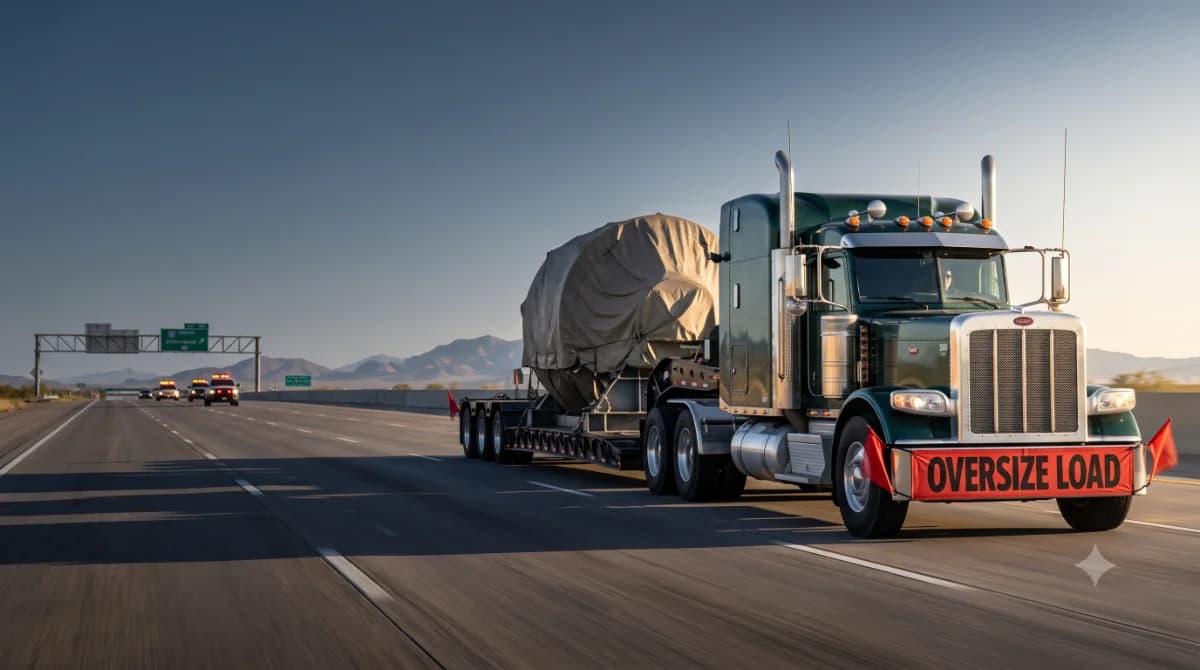
Upload your DOT PDF permit. Subscribe your fleet or make a one-time purchase. Receive your driver-ready Google map route.
Upload a single permit or subscribe your trucks for unlimited routes. We handle the heavy lifting.
Drop in a DOT permit or register your trucks.
Upload a single PDF permit for a one-off run, or add your truck to an unlimited subscription plan.
Pay per route or lock in unlimited access.
Checkout securely via Stripe with transparent single-permit pricing or simple monthly truck plans.
Hit the road using a familiar Google Maps link.
Tap your driveable link to launch turn-by-turn routing directly inside Google Maps.
Happy drivers keep fleets running smoothly. We give your support team the tools to eliminate routing friction.
Open a familiar Google Maps link instantly.
Start driving instead of spending time converting cumbersome text directions into drivable routes, all without learning an unfamiliar navigation app.
Convert routes in minutes, not hours.
Instantly convert complex DOT text into a link you can text or email straight to your driver. Maximize daily efficiency and make your drivers love you.
Scale with specialized pricing tiers.
Gain access to specialized fleet pricing tiers and bulk conversion options tailored to keep your entire lineup running smoothly.
Request PricingStop wasting hours manually plotting turns. See how we turn confusing state paperwork into clean, drivable routes instantly.
PermitPilotNav takes actual DOT PDF permits and converts them into drivable routes in minutes. Drivers are able to stop, eat, and rest because of this automation.
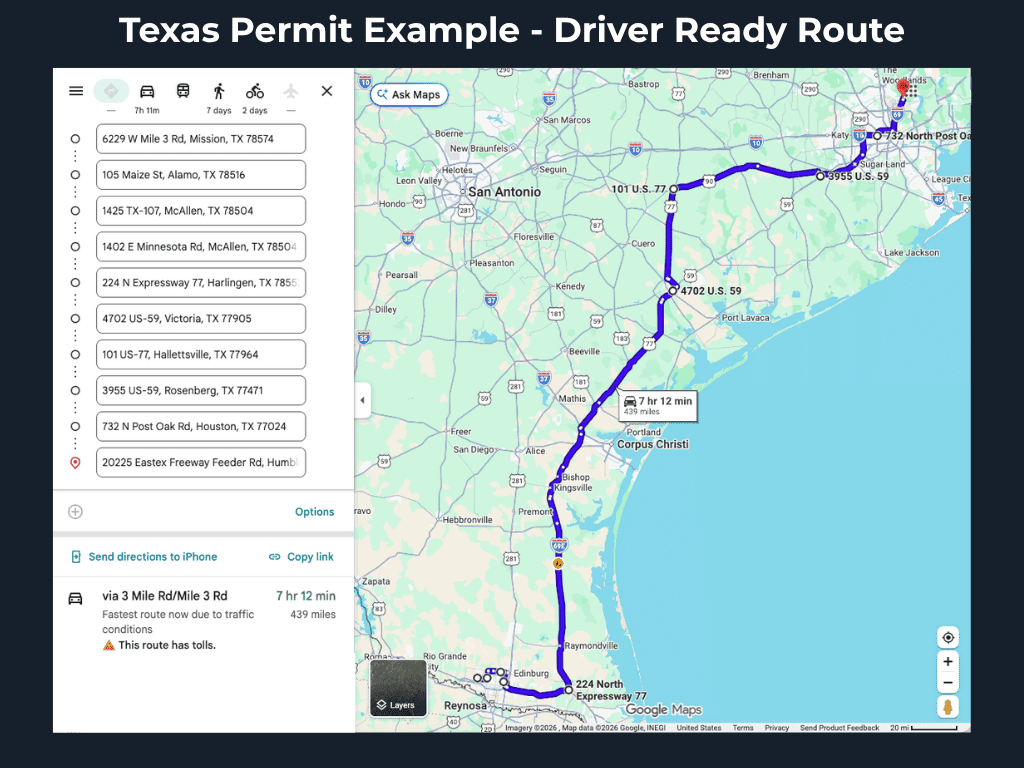
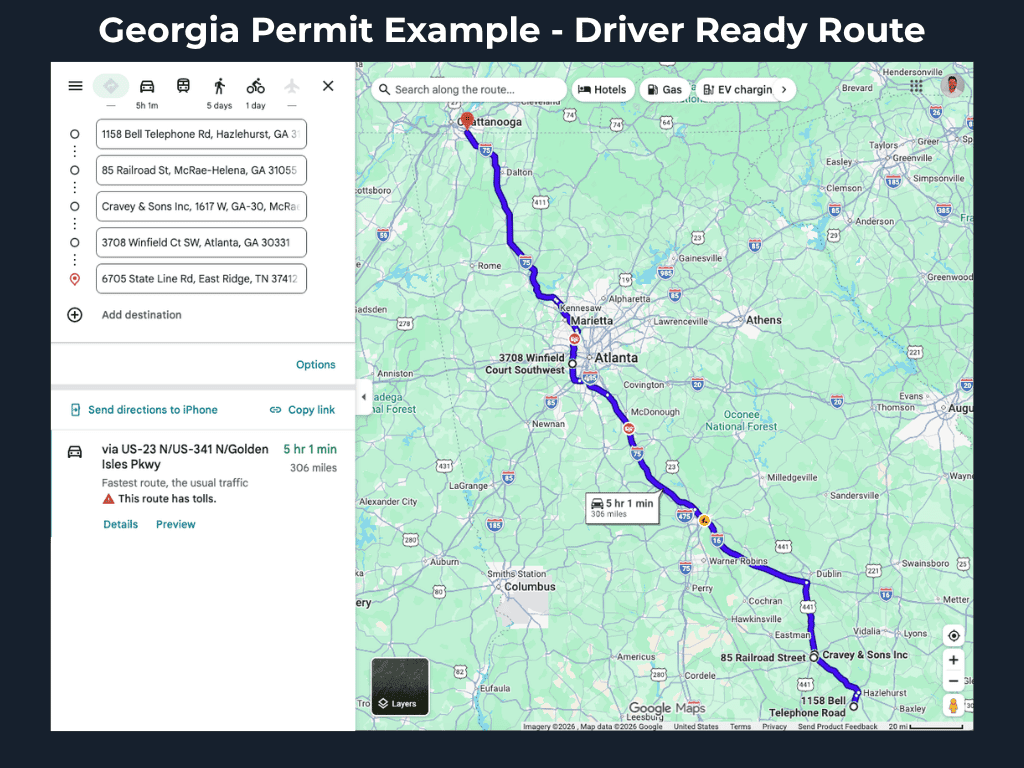
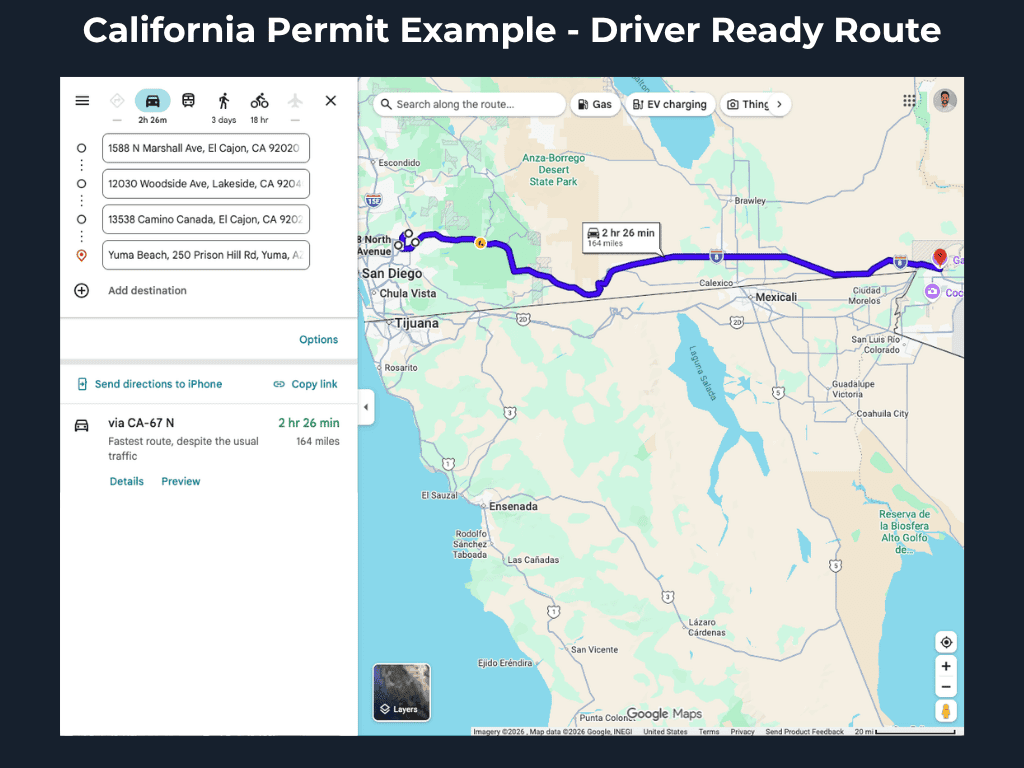
“I actually had time to relax, rather than spending an hour of my time off plotting my course.”
One time
$9.99
per route
Pay for the one permit in front of you. Nothing recurring, no truck to register.
Most carriers
Monthly
$59.00
per truck / month
Pay a flat monthly price per truck. Convert as many permits as you need, at no extra charge.
Get the best of both worlds. Subscribing covers the trucks you run regularly. You can still convert non-subscription permits one at a time for $9.99. If you need both, start with Subscribe My Trucks. You can then order one-off routes from your account.
No minimum term on a subscription. Cancel any time and your trucks stay covered through the end of the period you paid for.
One flat payment transforms one DOT PDF permit into one drivable Google Maps route link. Every order includes secure Stripe checkout processing and a human-in-the-loop review layer to verify text-to-mapping accuracy before it is sent to you. No hidden upcharges, subscription lock-ins, or per-mile fees.
Please upload a single, clear PDF file of your official state-issued oversize/overweight (OS/OW) permit. Make sure the document includes the full, text-based routing directions issued by the state DOT so our platform can read and plot the highway runs accurately.
Standard routes are processed in minutes, but timing can adjust based on path complexity. All permits also go through a human review to ensure accurate routing before being sent. You can always track your real-time processing status directly on your live order dashboard page.
Because Google Maps is universal, accurate, and already on most drivers' phones. If a driver does not have it, it is a completely free app to download and install. Utilizing a familiar link allows your team to navigate safely without the operational friction of learning a brand new system.
We don't drop the ball. If a state document has highly irregular text formatting or conflicting turn criteria, our system flags it for immediate review. We keep working the order directly behind the scenes, and we will contact you if there is an issue so we can get it resolved cleanly.
Absolutely not. Your state-issued permit document remains the law in the cab. PermitPilotNav is an operational tool built to eliminate manual mapping time and give drivers clear visual situational awareness. The driver is always the ultimate captain of the ship. You must carry your official paperwork and defer to all applicable laws and regulations. Minimally, there may be road closures the system cannot anticipate. In those instances, you will have to manually manipulate the route to remain in compliance with your permit.
Please head over to our Contact Us page, select Route Issue from the dropdown menu, and submit your inquiry. We strive to respond as quickly as possible, but our team sleeps too. If you reach out to us after business hours Monday through Friday EDT, we will get back to you by the next business day.
Upload your permit and we'll take it from there.